Go to CITI System https://www.citiprogram.org/:
If you have an existing account, log in with your username and password (these are credentials you create and may be different than your GSU credentials):
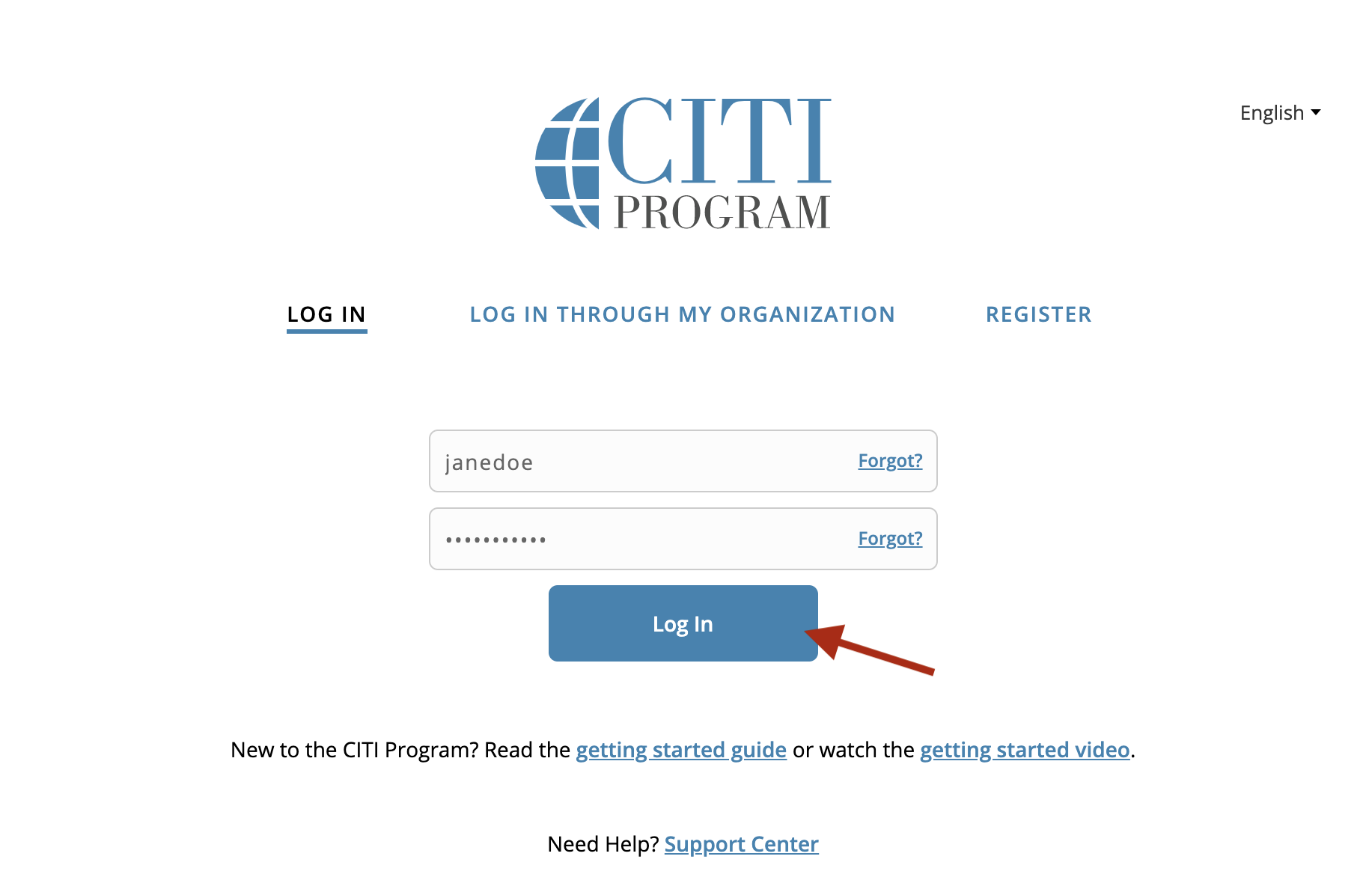
If you have not created an account yet, select the "Register" link and search for "Georgia State University" and check the agreement statements. Select the "Create a CITI Program account" button.

Please Note: Your account must have your GSU email address listed under your Insitutional Affilation for your courses to show in the Research Portal. Graduate Research Assistants must use their assigned student email address. See the guide below here: How to Update or Verify Your CITI Account
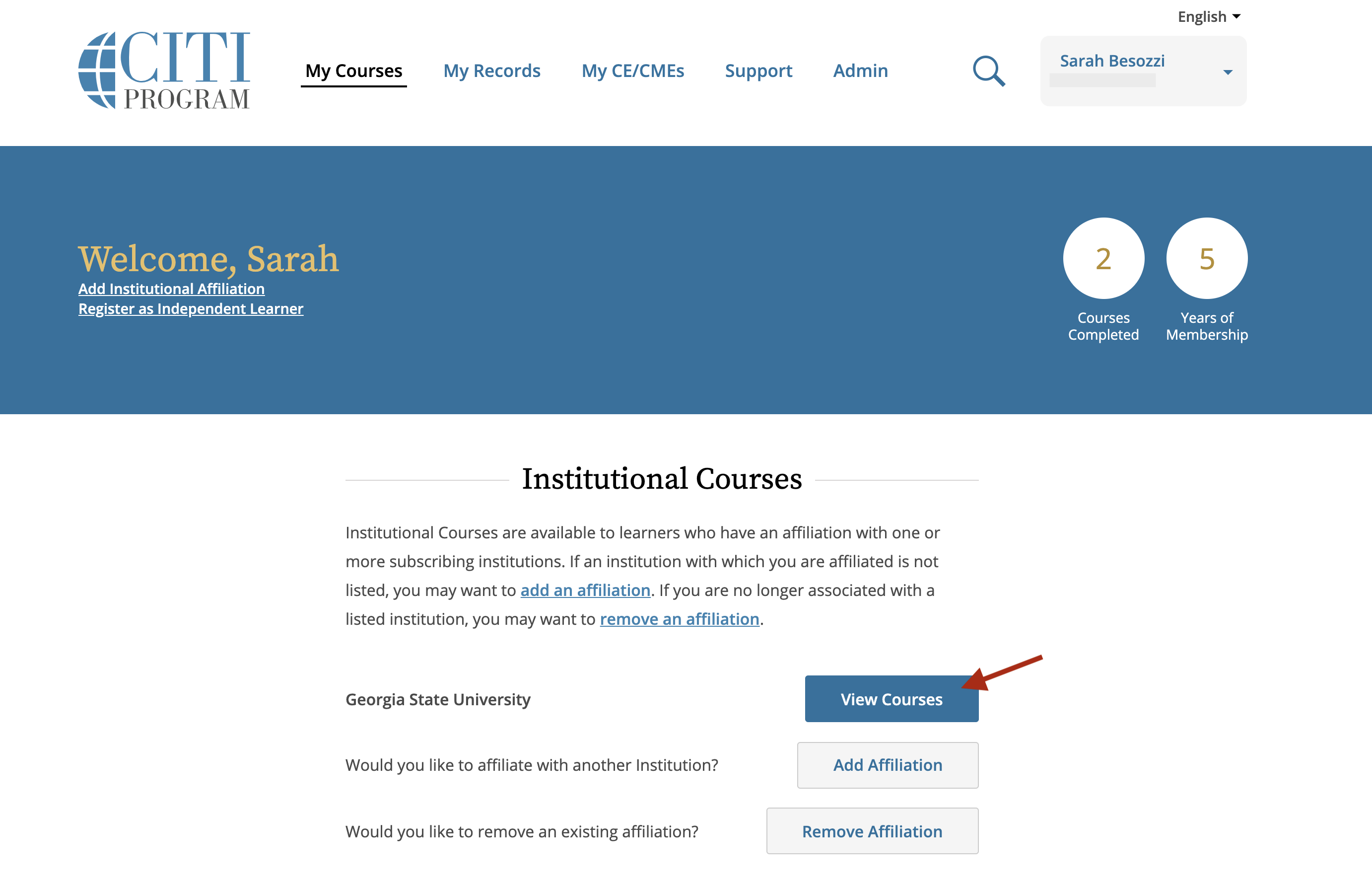
Select the "View Courses" button:
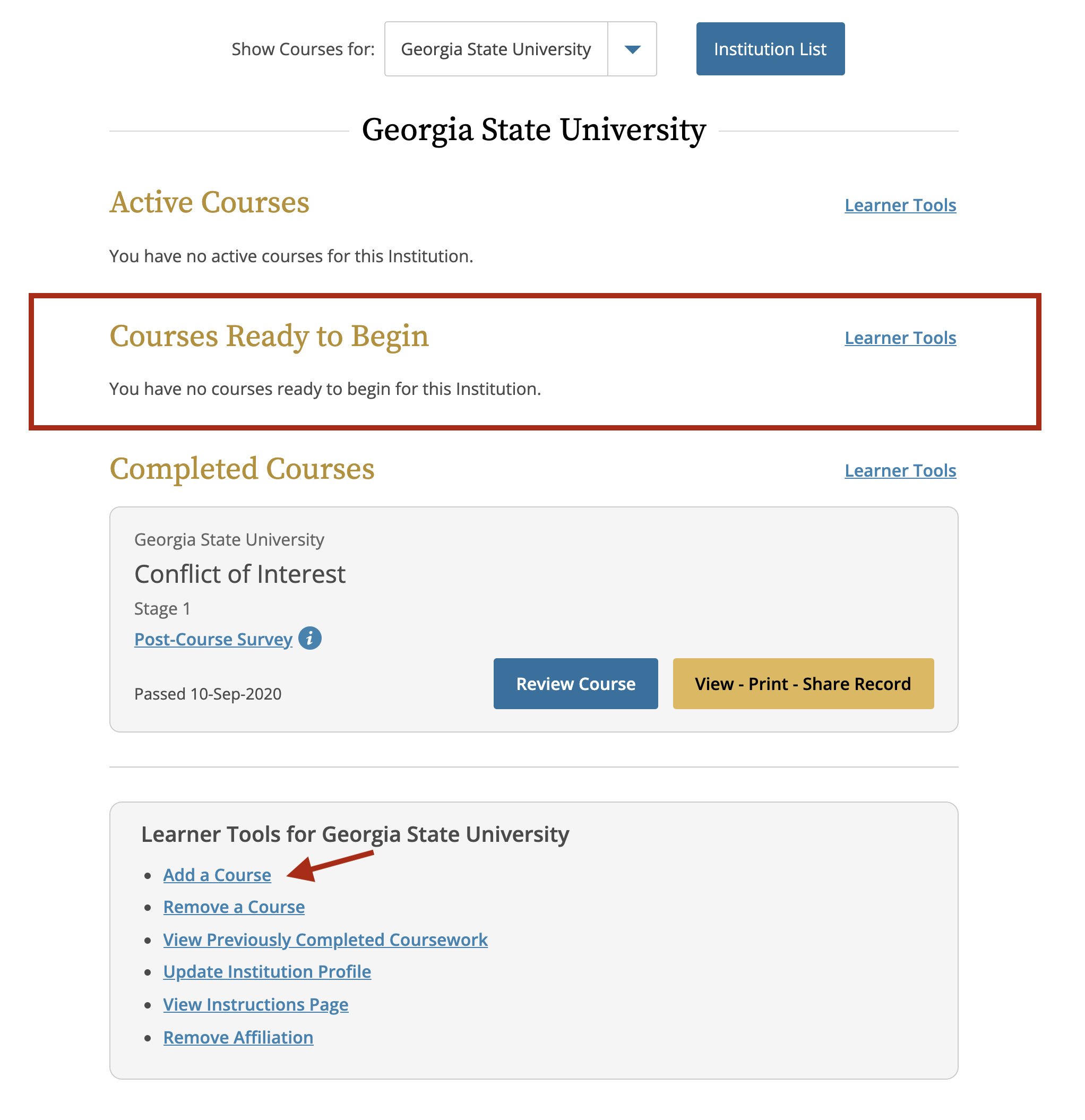
Under the "Courses Ready to Begin" section, if your Conflict of Interest course is expired, you should see the next Conflict of Interest course to take.
Select and complete the course.
If the message, "You have no courses ready to begin for this Institution", select the "Add a Course" link under the "Learner Tools for Georgia State University" section**.**
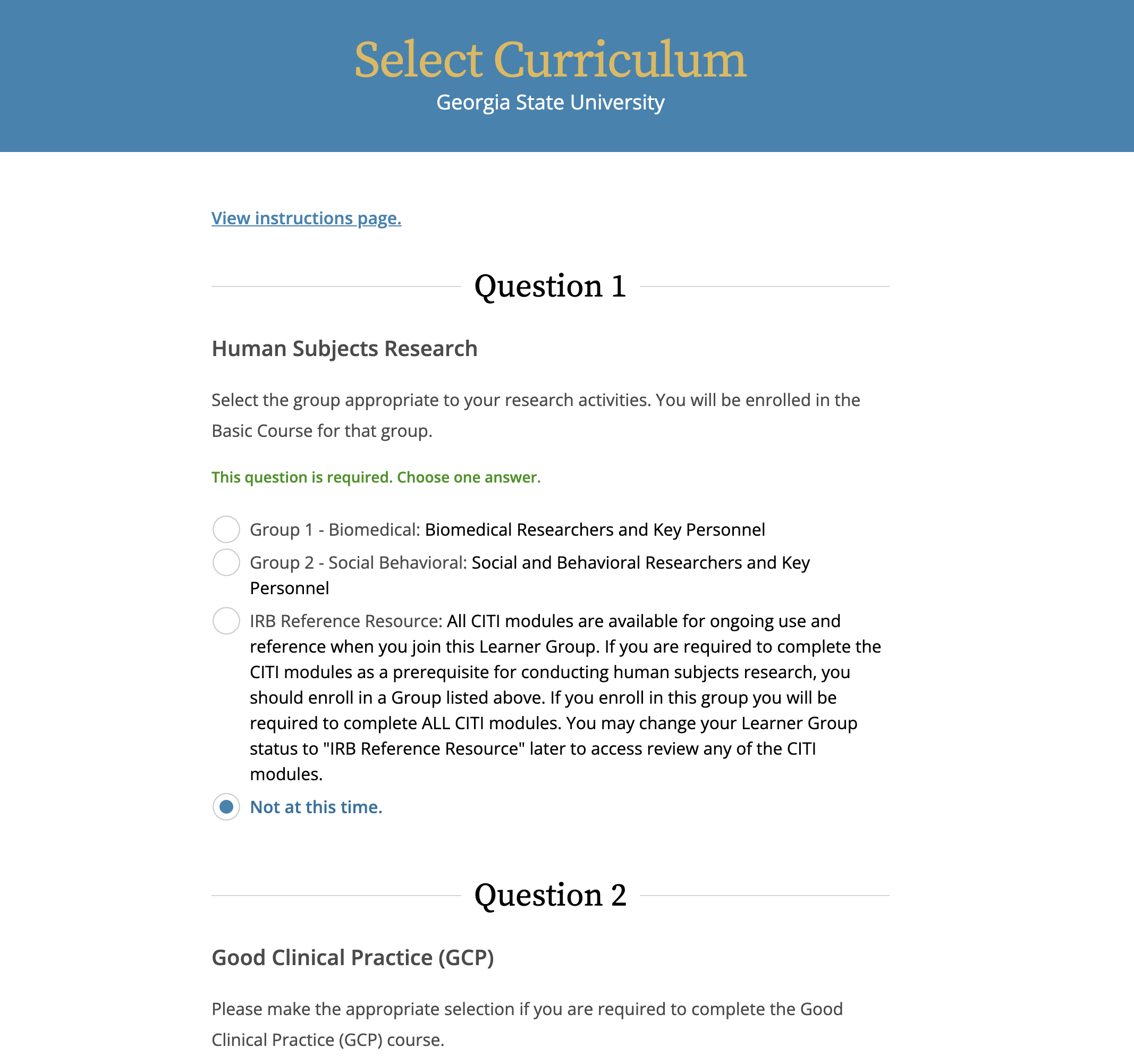
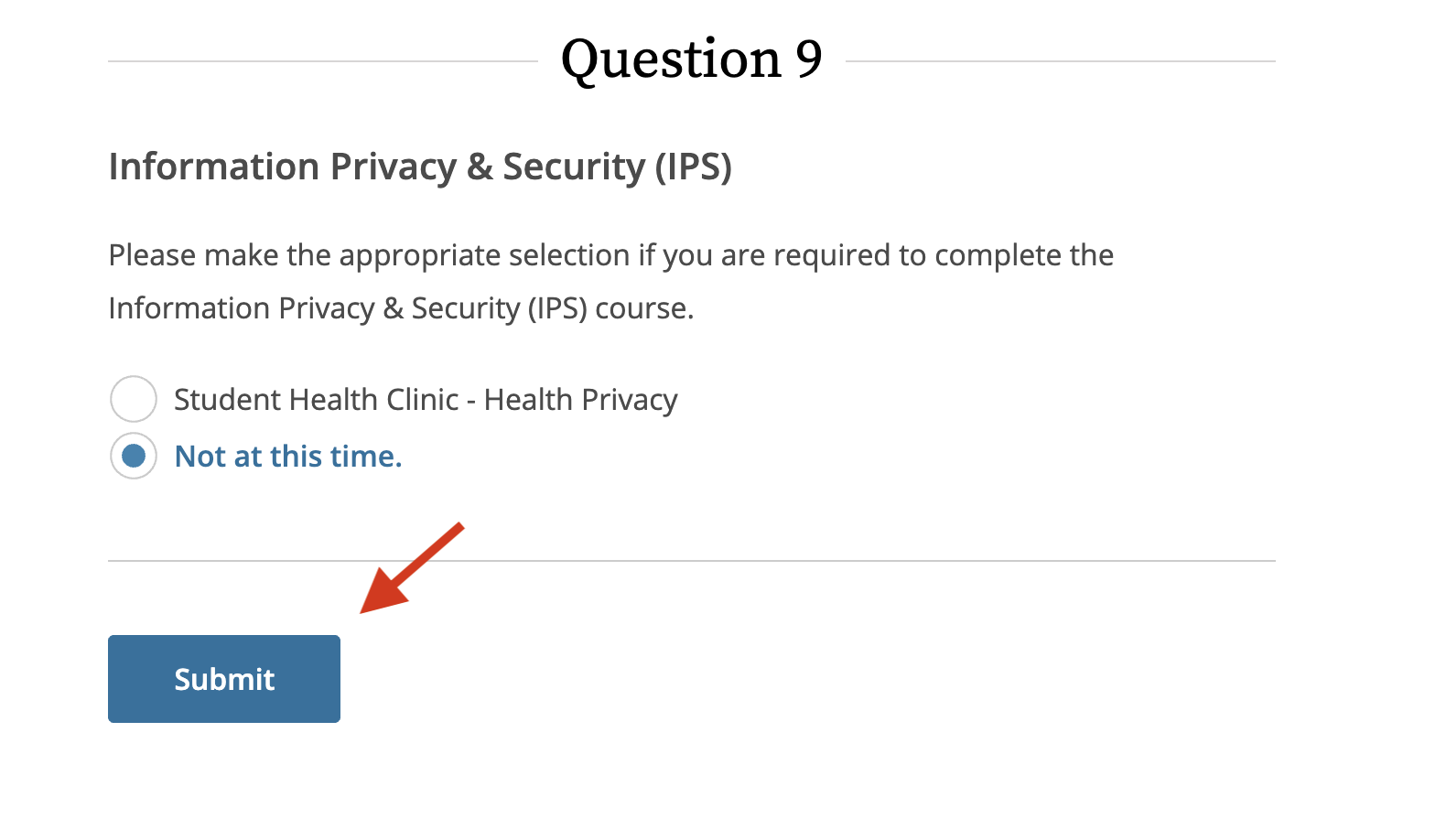
In the Select Curriculum questionnaire, select the "Not at this time" option for every question.
Only for Question 3, select "Yes" for the "Responsible Conduct of Research" course. Choose the course that applies to you.
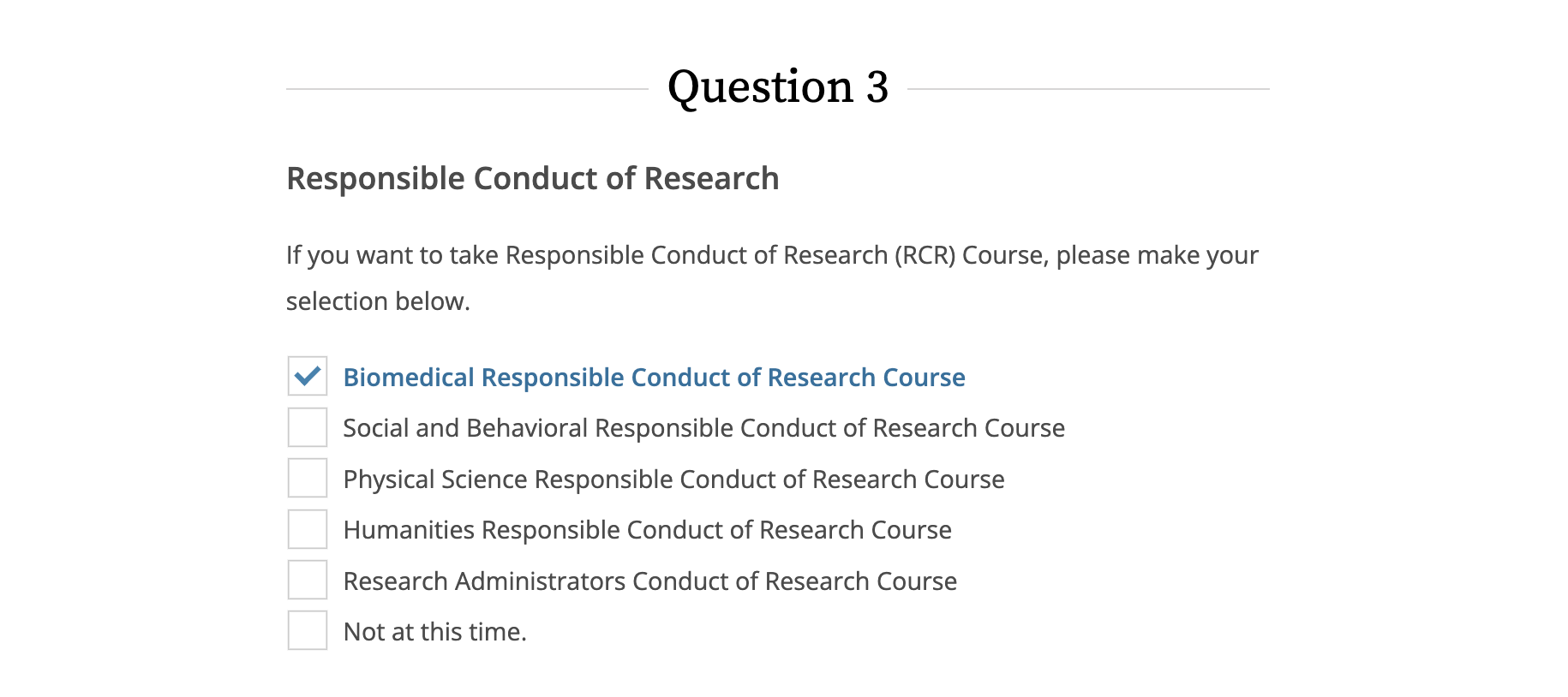
Select the "Submit" button to begin the course:
If it is still not available after trying this then we suggest contacting CITI here: https://www.citiprogram.org/members/index.cfm?pageID=258#view
Need more help? Please contact OSP directly or reach out to us at Research Solutions.